Getting Started
Theme Builder
Widgets
- Main Banner
- Full Width Banner
- News Carousel
- News Grid
- News List
- News-Filter
- News-Block
- Ticker News
- Tag Cloud
- Tag Cloud Animation
- Live Now Button
- Live Search
- Back To Top
- Theme Mode
- Ticker
- Advance Heading
- Video
- Popular Opinion
- Menu
- Canvas Menu
- Insta Gallery
- Phone Call
- Mailbox
- Date and Time
- Sticky Post
- Random News
- Timeline
- Divider
Video
News Elementor has a versatile Video designs that you can add on your website. Have a look at our beautiful Video Layouts Designs here.
How to Apply and Edit Video Template
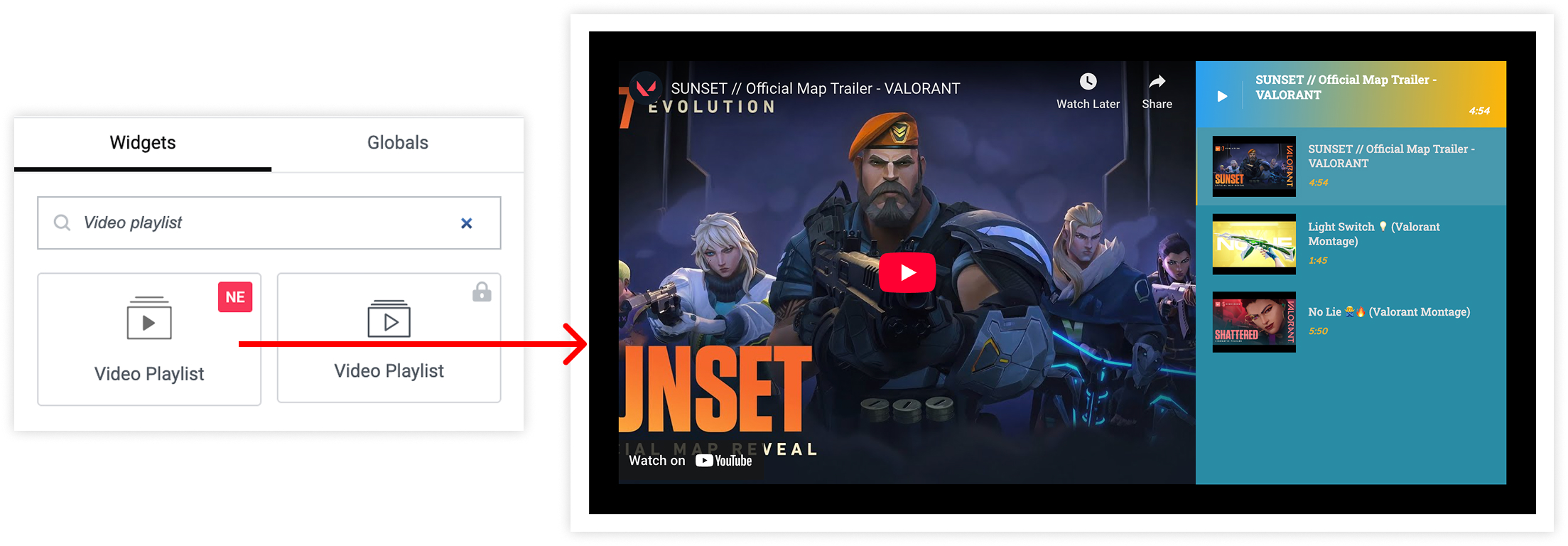
- Go to Edit with Elementor > Widgets.
- Search for Video.
- Choose Video.
- Drag the widget and Start editing.
- Publish it.
Key features-
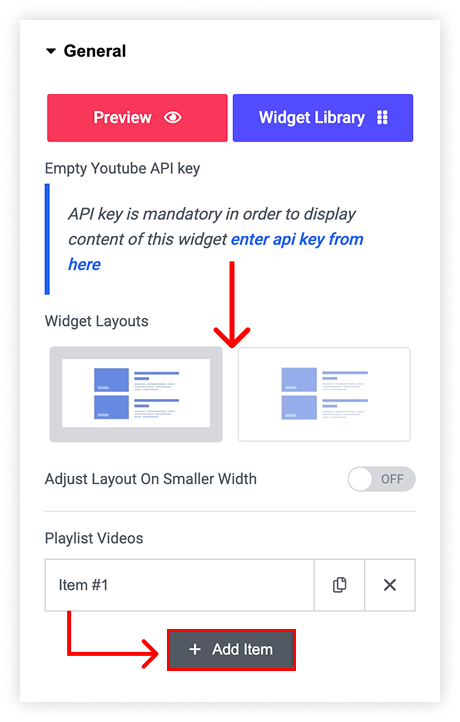
- Can Select widget layouts.
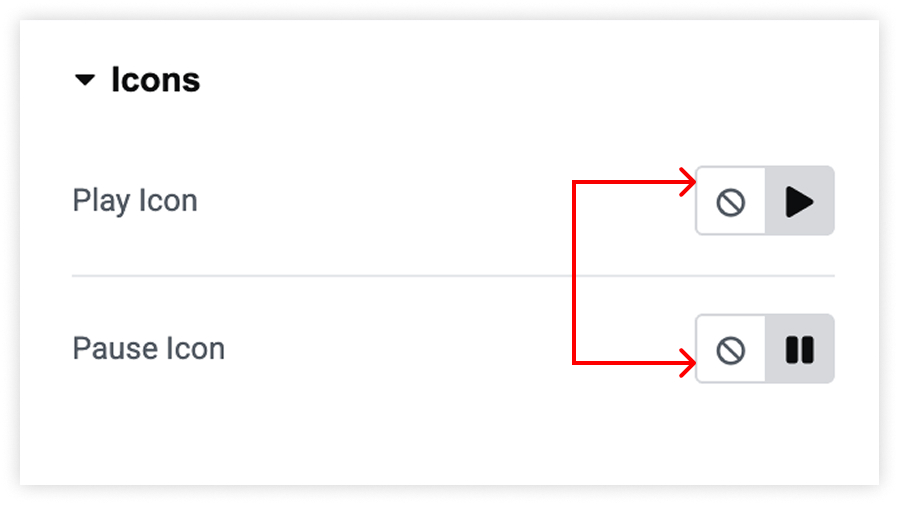
- Can Change icon.
- Can change show or hide carousel arrows .
- Choose number of columns.
- Enable slide Carousel auto.
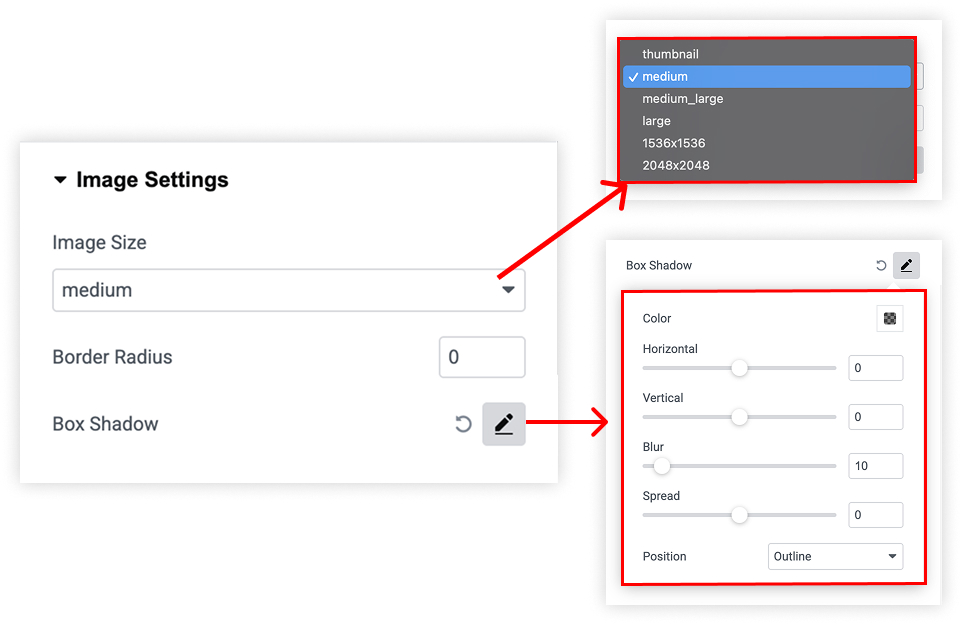
- can select image size and adjust border radius/box shadow.
Add Video from widgets
General
Icon
Carousel Setting
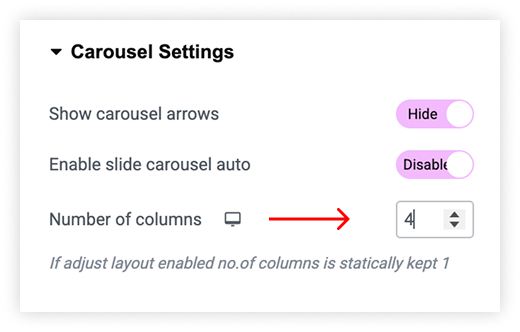
Image Settings